Many business leaders and marketing managers are unaware of Google Search Console's existence. Yet it is an essential tool for effectively managing free search engine optimization (SEO), paid search engine optimization (SEA), and more broadly, your digital strategy.
Google Search Console: definition
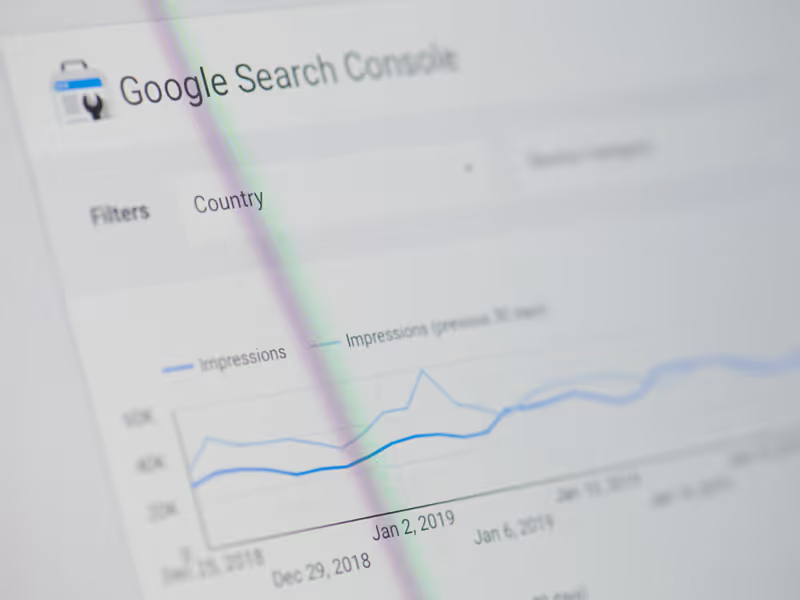
Google Search Console is a free tool that helps website owners monitor and improve their presence in Google search results. This tool provides a comprehensive view of your website's performance in search results, including the search queries for which your site appears, how frequently it appears, and how internet users interact with your results. By using Google Search Console, website owners can identify potential SEO issues, improve their site's visibility, and ensure that their content is indexed correctly by Google.
What reports are available in Google Search Console?
Google Search Console provides several important reports for website owners. These reports will allow you to know:
- The position of your organic results on the search results page;
- The number of impressions and clicks on your organic results;
- Click-through rate
- The search terms that resulted in your pages appearing in organic results
- The performance of your pages in results, presence (or absence) in different countries, on different devices...
With the use of the export tool, filters, you have comprehensive and detailed tracking of your organic search optimization here.
How do you use Google Search Console for SEO?
In addition to consulting very comprehensive and essential reports, SEO managers and developers use it to submit various sitemaps or request that Google remove obsolete or hacked content.Google uses this submitted data to improve its exploration of your website, and ultimately improve results on search pages.Google Search Console may suggest improvements to your website, such as implementing a breadcrumb trail or reveal security issues on your site.You can also track your external links (backlinks) and internal links. Which pages have the most links, or which sites redirect to you.
How do you use Google Search Console for SEA?
Google Search Console helps fill gaps you encounter in SEO for certain keywords.A low click-through rate on keywords for which you rank in the first position may indicate that ads are placed above your organic results, reducing the expected number of clicks on your first-position page. Bid on interesting keywords for your page so it also appears in paid results.A good example is the keyword related to your brand. In principle, if you have a unique brand, you should rank first for searches related to your brand. Nevertheless, a competitor could choose to bid on your brand to appear ahead of you. If their services are similar to yours and the user is not necessarily attached to your brand, they might choose to visit the competitor's site rather than yours.What do you think, why does Carglass ask you to type carglass.fr in your search bar and not simply Carglass?
How can I use it for my digital strategy?
Originally intended for one or a few keywords, your pages can certainly appear on related keywords you hadn't initially considered. Regularly analyze the keywords that trigger your site's appearance in results to generate new landing pages, or communicate differently on your social networks, for example.
How do you set up Google Search Console?
Go to the Google Search Console site and add your site. Two procedures are possible: either you validate directly via DNS (you will need to add a record in your DNS zone), or you validate via Google Analytics or Google Tag Manager.Both procedures are fairly easy to set up if you have access to your DNS provider or if you already have Google Analytics or Tag Manager.